
November 24, 2025
The holiday season brings enough pressure without technology adding to the chaos. Customers rush to finish last-minute shopping, employees balance family plans, and stress levels soar. The last thing you want is to irritate anyone with preventable tech errors.
Consider this your essential Holiday Tech Etiquette Guide—because no business wants to be remembered as the one that spoils someone's day.
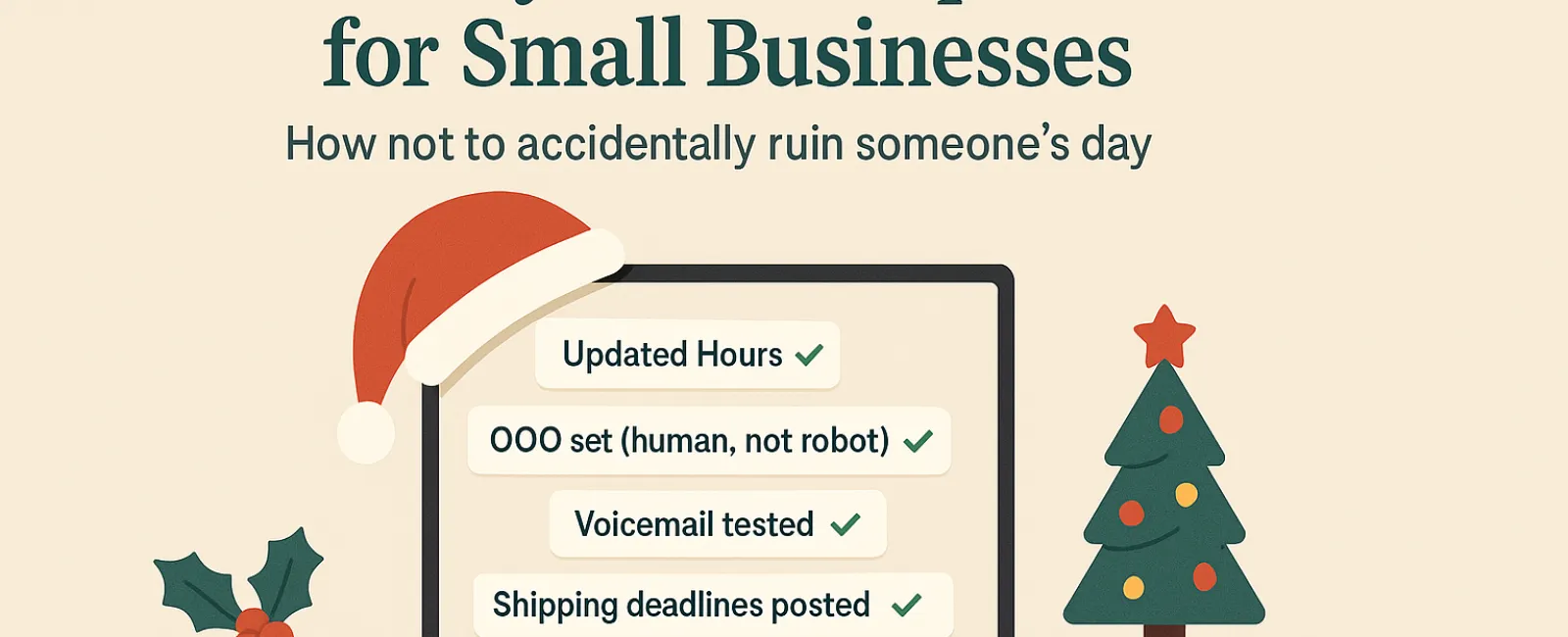
1. Update Your Business Hours Online Before Disappointing Customers
Imagine a customer dashing across town on their lunch break, only to find your store dark and closed—despite Google's listing saying otherwise. That's a quick way to create a frustrated customer.
Make sure to update:
- Your Google Business Profile—the most visible source.
- Your social media accounts like Facebook, Instagram, and Yelp where visitors look.
- Your website banner with clear holiday hours.
- Apple Maps—still widely used by many.
Suggested message: "Happy Holidays! We'll be closed from Thursday, Nov. 28 through Sunday, Dec. 1 to enjoy time with our families. Normal hours resume Monday morning—slightly turkey-hungover but ready to serve you!"
2. Craft Warm Auto-Responses That Feel Personal, Not Robotic
If you're stepping away, don't leave customers stranded with cold, automated replies. A well-written out-of-office message acts like a courteous greeter—professional, yet personable.
Example auto-reply: "Thanks for your message! Our office is closed for Thanksgiving, Nov. 28-Dec. 1. We'll reply promptly after we're back and caffeinated. For urgent matters, please call (XXX) XXX-XXXX. Wishing you a joyful holiday season!"
3. Keep Your Out-Of-Office Messages Focused—Avoid Sharing Too Much
Simplicity wins. Customers don't need your travel plans or personal anecdotes about the team's holiday celebrations.
Sharing extensive details can also risk your business's security. Stick to essential info: dates, response times, and alternative contact points. Save personal stories for your social channels.
4. Test Your Phone Systems Ahead to Sidestep Frustration
Holiday callers are often stressed and in a hurry. Make sure your voicemail greeting aligns with your actual hours and provides clear instructions.
Pro tip: Call your business number yourself. You might find old messages from years ago still playing.
Sample voicemail script: "Hello, you've reached [Business Name]. We are currently closed for the holiday weekend. Please leave a message and we'll get back to you Monday morning. For urgent assistance, press 1 for our on-call team. Happy Holidays and thank you for your patience!"
5. Communicate Shipping Deadlines Early to Avoid Last-Minute Panic
If your business ships products, make sure your cutoff dates are front and center online. Send reminder emails to keep customers informed.
Late deliveries cause frustration; missed expectations destroy trust. No one wants to explain why a special gift won't arrive on time.
In Summary: Thoughtful Tech Etiquette Creates Happy Customers—and Strong Business
Holiday tech etiquette is straightforward. It's about clear communication, respectful timing, and treating customers like people. Small, timely updates go a long way toward preventing headaches and protecting your reputation.
Remember: The goal isn't just avoiding issues but making customers feel valued—even when you're out of office.
Need help keeping your systems smooth and your customer experience top-notch this holiday season? Call us at (951) 405-6873 or click here to book your free 15-Minute Discovery Call. Let's discuss simple strategies to keep things running seamlessly while you enjoy your holiday break.


