
December 08, 2025
Picture this: You're halfway through a long holiday drive, and your daughter asks, "Can I use your work laptop to play Roblox?" This isn't just any laptop—it's the one holding client files, sensitive financial data, and crucial business access. After hours of packing and a tiring journey ahead, the idea of keeping her entertained is tempting. But is it worth the risk?
During holiday travel, your usual security routines get disrupted. Fatigue, distractions, unfamiliar WiFi networks, and juggling family and work tasks introduce vulnerabilities you don't face at home. Whether for business, pleasure, or both, here's your essential guide to safeguarding your data while keeping the festive spirit alive.
Pre-Trip Quick Check: 15 Minutes to Secure Your Devices
Spend just 15 minutes before your trip to set yourself up for success with these security essentials:
Device Must-Dos:
- Update all software and security patches immediately
- Back up critical files securely to the cloud
- Set your devices to auto-lock within two minutes of inactivity
- Enable "Find My Device" features on all phones and laptops
- Fully charge portable power banks
- Bring your own chargers and adapters to avoid compatibility issues
Setting Family Boundaries:
- Clarify which gadgets are safe for your children to use
- Provide a dedicated device like a family iPad for entertainment
- Create separate user accounts on shared devices to limit access
Insider tip: If kids need screen time, provide a tablet unlinked to work accounts. Investing $150 in an iPad can save you from a costly data breach.
Hotel WiFi Risks: What Everyone Gets Wrong
The moment your family checks into a hotel, all devices race to connect to the WiFi. From Netflix streaming to email checking, your devices share the same network — but not everyone on it holds good intentions.
A cautionary example: One family unknowingly connected to a fake hotel WiFi hotspot created by a criminal nearby. All their passwords, credit card info, and emails were intercepted for days.
Smart safety measures include:
Confirm the exact network name — always ask the front desk and never guess.
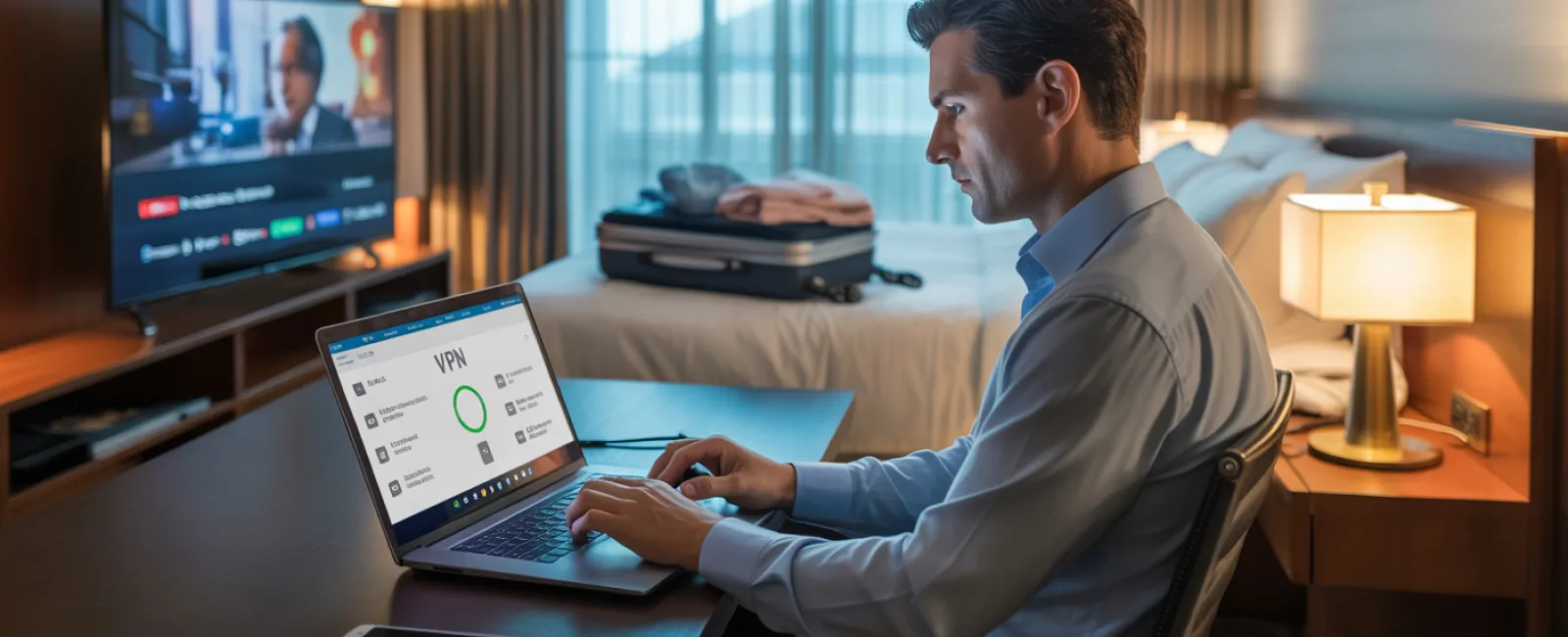
Use a VPN for work-related access — VPNs encrypt your data for secure connections.
Switch to your phone's mobile hotspot for confidential tasks — avoid hotel WiFi for banking or client data.
Separate work from play: Let kids enjoy streaming on hotel WiFi while you handle sensitive info through a secure mobile connection.
Managing "Can I Use Your Laptop?" Requests
Your work laptop contains critical business info, but kids just want to watch videos or chat with friends.
Why it matters: Children can unintentionally download harmful files, click risky pop-ups, or expose passwords. While innocent, these actions can jeopardize your security.
What to do:
Politely but firmly decline use of work devices — provide an alternate device instead and enforce the rule consistently.
If sharing is unavoidable, follow these rules:
- Create restricted user accounts
- Supervise all activity closely
- Block downloads
- Avoid saving passwords on the device
- Clear browsing history afterward
Best practice: Travel with a dedicated family device, like an older tablet or laptop unlinked to your work systems.
Streaming on Hotel TVs: Don't Forget to Log Out
Sharing your Netflix account on a hotel smart TV is convenient—until you check out and forget to log out.
Why that's risky: The next guest can access your account, and if you reuse passwords (please don't), other accounts may be compromised.
Quick fixes:
- Cast content from your personal device instead of logging in directly
- Set reminders on your phone to log out before checkout
- Download shows ahead of time to avoid using hotel TVs altogether
Avoid logging into sensitive accounts on hotel TVs, including:
- Banking apps
- Work emails and systems
- Social media platforms
- Any account storing payment information
Lost Device? Act Fast
Travel chaos means devices can easily go missing. If it happens, here's your immediate response:
Within the first hour:
- Locate using "Find My Device" features
- If retrieval isn't possible, remotely lock your device
- Change passwords on critical accounts immediately
- Inform your IT team or provider to disable device access to business systems
- Notify any affected clients if sensitive business data was stored on the device
Pre-trip device essentials:
- Enable remote tracking
- Use strong, secure passwords
- Ensure data is encrypted
- Set up remote wipe capabilities
Lost device belongs to a family member? Apply the same precautions immediately.
Rental Car Bluetooth: Hidden Data Risks
Connecting your phone to a rental car Bluetooth system is convenient but risky—the car often saves contacts, call history, and message previews.
Unless cleared, this information stays accessible to subsequent drivers.
Quick 30-second fix before returning the vehicle:
- Delete your phone from the car's Bluetooth settings
- Clear saved GPS destinations
- Or avoid Bluetooth and use an aux cable or standalone device
Setting Boundaries on "Working Vacation" Time
Balancing work during family vacations can blur lines—checking emails repeatedly and taking work calls while others relax.
This divided focus reduces security awareness, increasing the chance of mistakes or risky connections.
Here's a practical approach:
- Schedule specific times for work email checks, no more than twice a day
- Use your phone's hotspot instead of unsecured hotel WiFi for work
- Work privately in your hotel room, avoiding public areas with visible screens
- Be fully present during family activities—don't multitask with work
Best advice: Take real time off. Your business won't fall apart, and you'll return refreshed and better protected against threats.
Adopting a Holiday Travel Security Mindset
Combining family time with work on the road isn't flawless. Kids might occasionally need your laptop, or an urgent email demands attention while driving.
The key is being purposeful about managing risks:
- Prepare your devices thoroughly before leaving
- Recognize high-risk activities (like banking on hotel WiFi) versus safer options (using your hotspot for emails)
- Separate work data from family use whenever possible
- Have a clear action plan for when incidents occur
- Learn to say "No" to device sharing on work equipment—and stand by it
Create Positive Holiday Memories, Not Security Nightmares
The holidays should focus on joy and togetherness—not the stress of a data breach or client trust issues.
With simple preparation and smart rules, you can protect your business while keeping vacations peaceful and fun. Everyone wins when security meets celebration.
Need expert help to establish travel security protocols for your team? Click here or call us at (951) 405-6873 to book a free 15-Minute Discovery Call. We'll tailor practical policies that safeguard your business while making travel seamless.
After all, the best holiday memory should never be: "Remember when Dad's laptop got hacked?"


